
Gimkit won me over on a rainy February Tuesday in 2026. My 8th-grade history class was drifting through a World War I review—half the kids zoning out, a few sneaking TikTok, and me ready for emergency chocolate. On a whim, I turned a worksheet into a Gimkit and hit “Live Game.”
Forty-five seconds later, the room sounded like the floor of the New York Stock Exchange. Kids were yelling “Invest! Invest!” at each other, laughing when someone got wrecked by a power-up, and (most importantly) arguing over whether the Schlieffen Plan was actually a good idea. We went twenty minutes over the bell, and nobody complained. That was the day I knew this wasn’t just another Kahoot clone.
Fast forward three school years, hundreds of games, and roughly 4,000 students later. Here’s the unfiltered truth about Gimkit from someone who’s used it almost daily in middle and high school classrooms.
What Gimkit Actually Is (and Isn’t)
At its core, Gimkit is a quiz game where students earn in-game cash for correct answers, then spend that cash on power-ups that can multiply their score, sabotage opponents, or ensure their streak. It was created in 2017 by a high school student named Josh Feinsilber as a class project (the origin story still blows kids’ minds when I tell them).
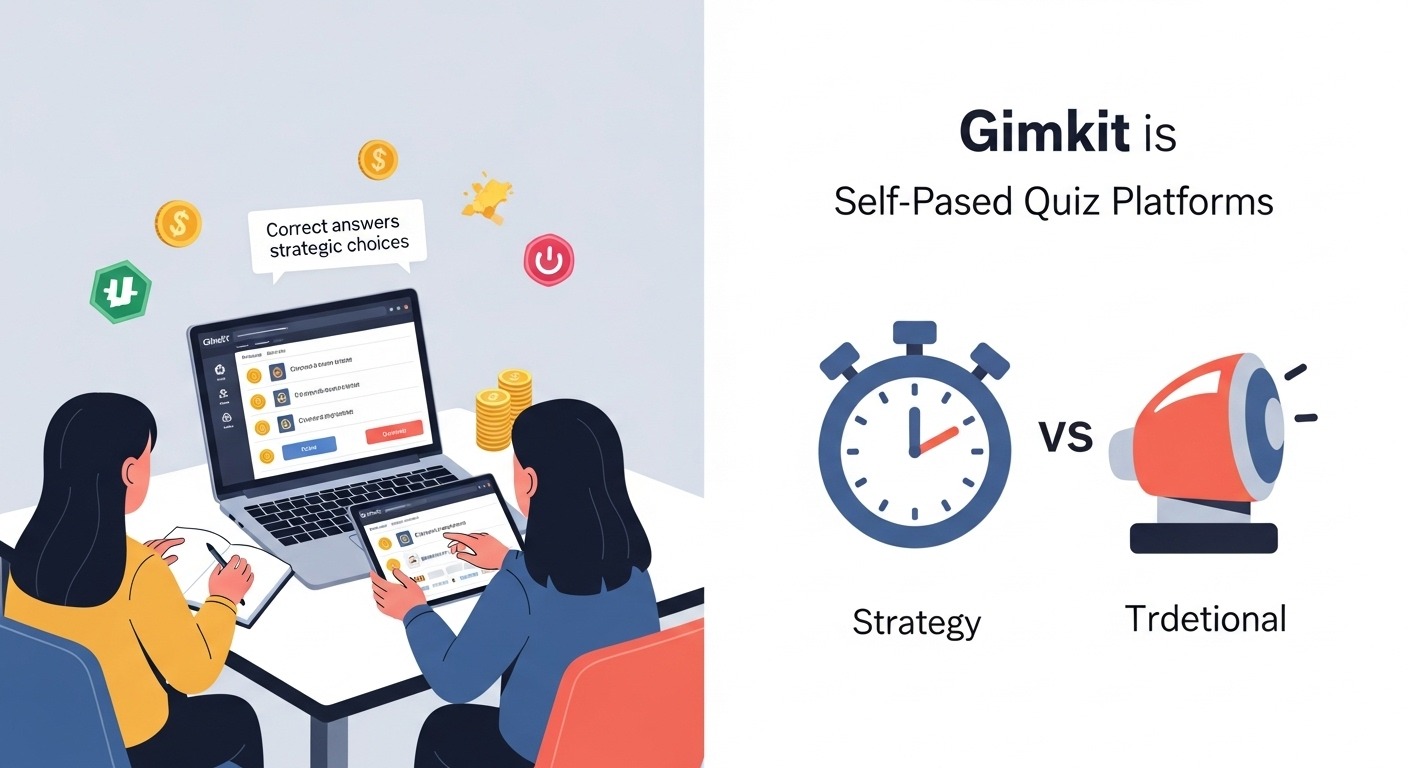
Unlike Kahoot or Quizizz, which are basically digital game-show buzzers, Gimkit is self-paced in “Classic” mode or lightly paced in “Trust No One” and “Humans vs. Zombies.” That single difference changes everything.
The Modes I Actually Use (and the Ones I Don’t)
- Classic (Live) – Still my bread-and-butter for whole-class review. The chaos is glorious, the leaderboard keeps everyone engaged, and the power-ups force kids to think strategically instead of just speed-clicking.
- Assignment Mode (Homework) – Gold. I drop a kit the night before a test and tell them, “Top 10 scores get bonus points.” Suddenly, homework completion jumps from 60 % to 95 %. The fact that they can play at their own pace, repeat questions they miss, and keep earning money until they master it makes this infinitely better than Google Forms.
- Trust No One – Basically, Among Us meets quizzing. Fantastic for the last week before break when everyone’s brains are fried. Engagement is through the roof, but it’s too chaotic for heavy content.
- Humans vs. Zombies – Fun once a quarter as a reward, but I don’t use it for actual learning.
- Floor is Lava, Don’t Look Down, etc. – Cute gimmicks. I tried them exactly once each and never went back.
What Gimkit Gets Right That Nobody Else Does
- Repetition without boredom
Because kids want that next power-up, they’ll happily answer the same question five times if they keep getting it wrong. That built-in retrieval practice is stealth genius. - Differentiation baked in
Stronger students blow past everyone and start buying 8x multipliers. Struggling kids can grind at $2 per correct answer and still end up in the top half if they’re persistent. I’ve literally never had a kid finish dead last and feel crushed the way they sometimes do on Kahoot. - Real data, instantly
The post-game report shows me every question every kid got wrong, how many attempts it took them, and which ones are class-wide weaknesses. I’ve reshaped entire units based on one 20-minute game. - Kids beg for it
I have students who fake stomach aches so they can stay inside at recess and finish their Assignment mode kit. Let that sink in.
The Downsides (Because Nothing’s Perfect)
- Free account limitations are brutal now.
When I started, you could make unlimited kits for free. Now, free users are capped at 5 kits and can’t edit after 100 plays or something ridiculous. Gimkit Pro ($59/year or $650 lifetime) is absolutely worth it, but it stings when new teachers try it and hit the paywall immediately. - Power-up balance is still off.
Some power-ups (looking at you, “Big Brain”) are so strong that one lucky kid can rocket from 10th to 1st in thirty seconds. I ban certain ones now. - Internet dependency
If your Wi-Fi hiccups for five seconds, half the class gets kicked, and you lose momentum. Ask me how I know. - Copycat kits
Because anyone can import public kits, I’ve had students find my exact test questions the night before. Now I keep everything private and add decoy questions.
How I Actually Use It Day-to-Day (Real Routines)
Monday: Drop an Assignment mode kit Sunday night as “optional” review. By Tuesday, 90 % have played it multiple times.
Wednesday: 15-minute live Classic game as bell-ringer to see what stuck.
Thursday: Use the itemized report to run a 10-minute mini-lesson on the three questions everyone bombed.
Friday: Reward day—winner of the week’s cumulative leaderboard picks the next live game mode.
That cycle alone raised my district assessment scores by 11 % last year. Not bragging, just math.
Gimkit vs. the Competition (Quick Honest Comparison)
- vs. Kahoot – Kahoot is louder and faster, but the kids who finish early just mess around on their phones. Gimkit keeps every single student answering questions until the timer ends.
- vs. Quizizz – Quizizz is cleaner for pure homework and has better meme options, but the in-class experience feels flat compared to Gimkit’s economy.
- vs. Blooket – Blooket wins on pure fun factor and variety, but the learning feels shallower. My kids like Bookit more, but they learn more with Gimkit.
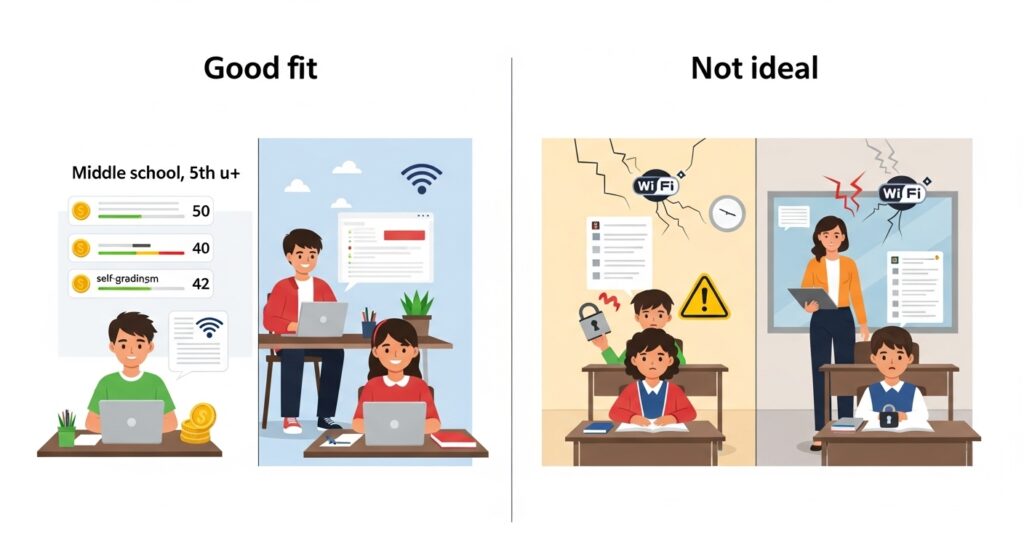
Who Should Use Gimkit?
- Teachers who hate grading homework (because kids grade themselves chasing money)
- Anyone teaching 5th grade and up (I’ve seen it flop hard in 2nd-3rd; too many steps)
- Departments willing to chip in for a Pro license (split $650 lifetime five ways and it’s $130 each forever)
Who Should Skip It?
- Teachers with chronic Wi-Fi issues
- Anyone who needs rock-solid question security for high-stakes tests
- Primary teachers (just trust me)
Final Verdict After Three Years
Gimkit isn’t perfect, and it’s not the only tool I use (Quizlet and Edpuzzle still have their places), but it’s the single highest-ROI piece of edtech I’ve ever adopted. When a kid who normally scores 60 % comes to me beaming because he hit #3 on the leaderboard after grinding for two hours at home… that’s the good stuff.
If you’re on the fence, start with the free version, make one kit, and run a live game tomorrow. Just don’t blame me when your principal walks by, hears the screaming, and thinks you’ve lost control of the classroom. You kind of have—and it’s wonderful.
(Pro tip: Keep a stash of cheap Dollar Store prizes for the final leaderboard each month. The look on a 14-year-old’s face when they win a giant inflatable unicorn for knowing the quadratic formula is something I’ll never get tired of.)