
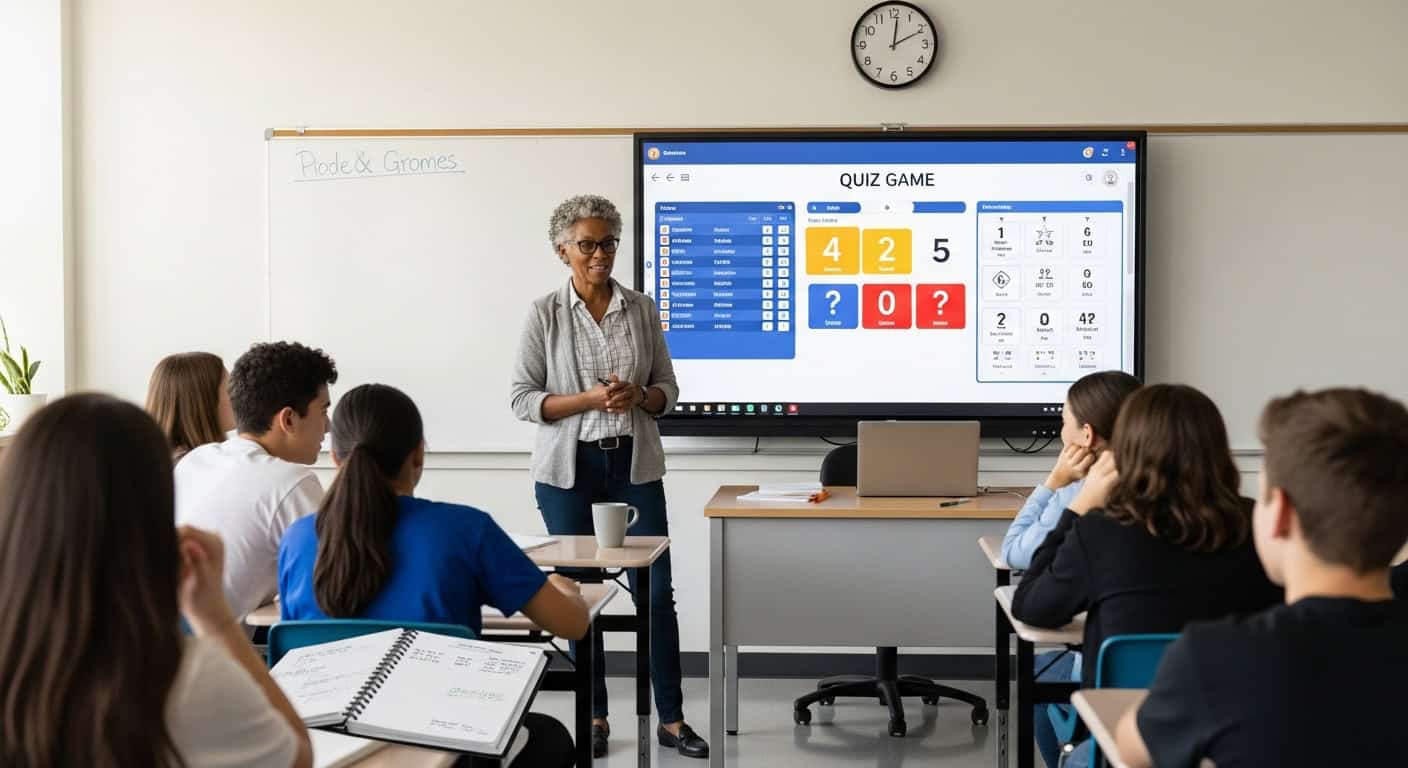
I’ve run somewhere around 1,400 Gimkit sessions since 2019. Some of them were legendary. Some of them crashed so hard that kids still bring them up to embarrass me at graduation. The difference between the ones that worked and the ones that died comes down to about fifteen tiny decisions that most teachers never think about until it’s too late.
Here’s everything I know about making Gimkit quizzes actually interactive instead of just loud.
Start With Fewer Questions Than You Think You Need
My first kit ever had 147 questions. I was so proud. Spent an entire weekend writing it.
The game went 52 minutes. By minute 30, half the class had mentally checked out because they’d already seen every question twice, and the shop felt pointless. The energy died. I died inside.
Now I never go above 65 questions for a 30-minute game. Most of my best kits have exactly 40. Kids see each question 3-4 times, which is the sweet spot for retention without boredom. The repetition feels like grinding for a video game instead of drilling for a test.
Pricing Power-Ups Is the Whole Game
Default power-up prices are way too low. Kids buy everything in the first eight minutes and then have nothing to work toward.
My current setup that survives even my rowdiest period:
- Streak Bonus: $800 (cheap, encourages speed runs)
- 2x Multiplier: $4,500 (the chase item everyone wants)
- Insurance: $2,200 (popular with anxious kids, which is most of them)
- Freeze: $9,000 (nuclear option, rarely purchased, always devastating)
- Everything else: turned off
The shop stays relevant for the entire 35 minutes. Kids strategize like it’s the stock market. I’ve watched seniors do mental math on whether to buy insurance now or gamble on a streak multiplier later. That’s the kind of cognitive engagement that doesn’t happen with flashcards.
Write Wrong Answers That Feel Right
This is where 90% of teachers mess up.
If your question is “What does ‘ephemeral’ mean?” and your wrong answers are “A type of elephant,” “A breakfast food,” and “A planet,” nobody learns anything. They just eliminate the obvious garbage and guess.
My wrong answers are always the most common mistakes:
- “Ephemeral” → wrong choices: “permanent,” “spiritual,” “ancient.”
Every wrong answer is something a reasonable student might actually think. When they pick “permanent” and get it wrong, the correction actually sticks because they remember the sting of being tricked.
Use Images, But Only When They Add Something
I went through a phase where I added stock photos to every single question because it “looked more engaging.”
It wasn’t. The images loaded slowly on Chromebooks, kids got distracted by weird Getty watermarks, and half the time the picture had nothing to do with the question.
Now I only use images when:
- The question requires visual analysis (graphs, diagrams, excerpts from documents)
- The image IS the question (identify this symbol, what’s wrong with this sentence)
- It’s genuinely hilarious and will make them remember the content.
My most successful image question ever: a photo of my own face Photoshopped onto the Mona Lisa for an art history kit. Kids still talk about it three years later.
Timing Is Everything (Literally)
The default 20-second timer works for basic recall questions.
For anything requiring actual thought, I bump it to 30-35 seconds. Multi-step math problems get 45. Essay excerpt analysis gets 60.
If kids are guessing just to beat the clock, the data becomes useless. You want them thinking, not panicking.
The “Show Correct Answer” Toggle Is Non-Negotiable
Leave it on. Always.
Without it, Gimkit is just a loud multiple-choice quiz. With it, Gimkit becomes a tutor.
The two-second pause between “you got it wrong” and “here’s why” is just long enough for the brain to register the mistake and actually process the correction. I’ve compared test scores between classes that played with the toggle on versus off. The on group averaged 11% higher on the unit assessment. Same kids, same content, same teacher. That toggle was the only variable.
Homework Mode Needs a Cash Goal, Not a Time Goal
When I first discovered homework mode, I set it for “must play for 20 minutes.”
Kids clicked in, set their phones down, and walked away. Their accuracy was garbage because they weren’t actually playing.
Now I set a cash goal: $1,500,000 by Thursday at midnight.
To hit that number, they have to actually engage with the questions. Most kids replay 3-4 times, and their final accuracy is usually above 90% because they’ve seen every question enough times to actually learn it. The grind is built into the goal.
The Trust No One Mode Secret Nobody Talks About
Trust No One (the Among Us-style mode) is unbelievably effective for review, but only if you limit traitors to 1 per 5 players.
Too many traitors, and the game becomes chaos with no learning. Too few and there’s no tension.
The magic happens when kids start discussing the content out loud to prove they’re not the traitor. “No, look, I KNOW the answer is metaphor because the author literally compared the cloud to a ship. That’s a metaphor! I’m not throwing!”
They’re teaching each other without realizing it. I just sit back and take notes on who actually understands the concept.
Boss Battle Works Best for Test Prep
One giant boss with 400 HP. Every correct answer does damage.
I run this during the class period before every major test. The stakes feel real because the boss “wins” if time runs out. Kids coordinate power-up purchases, call out which questions they know, and actually study together in a way that never happens when I just say “get with a partner and review.”
Last spring, my AP Literature class beat the boss with 2 HP remaining. The room exploded. I’m pretty sure someone threw a chair. They crushed the essay portion of the exam two days later because they’d inadvertently reviewed every major theme while fighting the boss.
Never Play for More Than 35 Minutes
Energy peaks around minute 18-22, then slowly dies.
After 35 minutes, even the best kit becomes wallpaper. End it while they still want more. “Aww, that’s it?” is the sound of a successful game. “Finally” is the sound of failure.
The Three Things That Kill Engagement Instantly
- Questions that require scrolling on a phone screen
Keep question text under 140 characters when possible. This isn’t Twitter; it’s a mobile-first design. - Too many “all of the above” or “none of the above” options
These feel lazy and train kids to guess instead of think. - Starting a game when half the class is still logging in
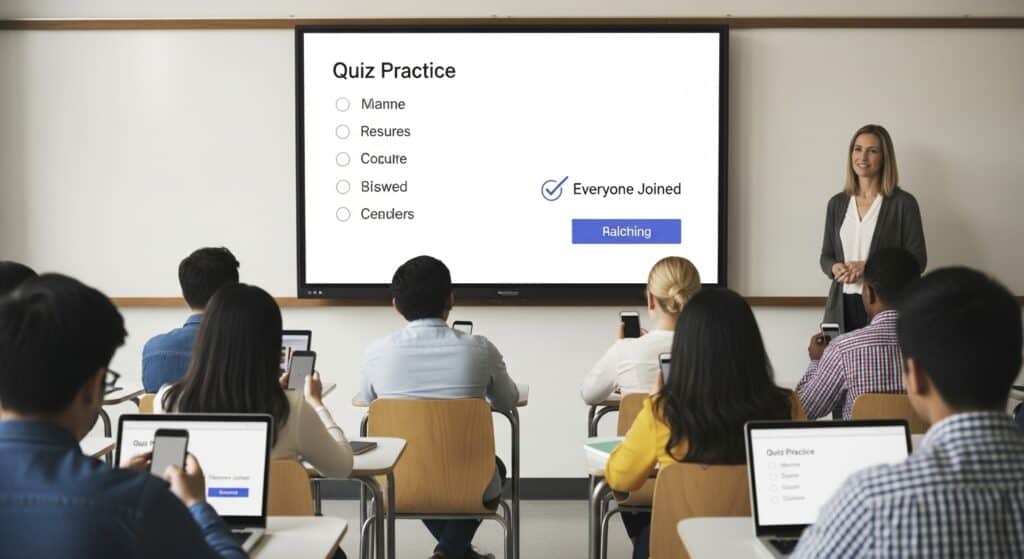
Wait until everyone’s in. The first question sets the tone. If five kids miss it because they were still typing the join code, you’ve already lost them.
The Tip That Changed Everything For Me
After every game, I open Reports → Questions → sort by “Most Missed.”
The next day, I project that list, and we spend exactly eight minutes on those three concepts. No more, no less. Then we play again on Friday.
My kids’ retention went through the roof when I started doing this. They see the same questions, remember getting them wrong, and now they’re motivated to prove they learned it.
Gimkit isn’t magic. It’s just the first edtech tool that figured out teenagers will grind for fake money harder than they’ll ever grind for real grades.
The interactivity doesn’t come from the platform. It comes from how you build the kit, how you price the shop, how you time the questions, and how you use the data.
Get those pieces right, and your classroom will sound like a casino.
Get them wrong, and you’re just running a loud, expensive multiple-choice quiz.
I’ve done both. Trust me. The loud casino version is better.