
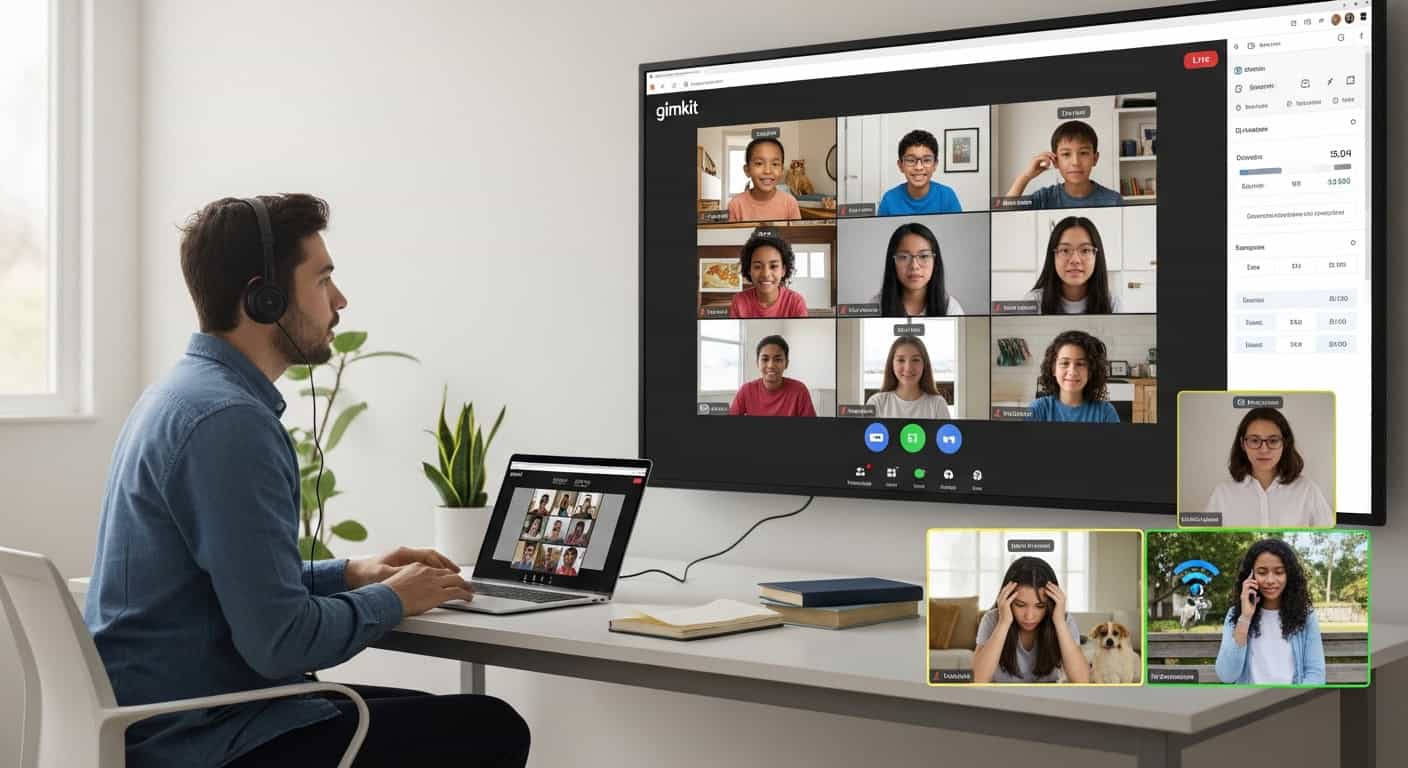
I taught fully online for two straight years during the pandemic and another year of hybrid after that. I’ve run Gimkit games with kids in three different time zones, with siblings fighting over Wi-Fi in the background, with dogs barking, with parents yelling about dinner, and once with a student who was literally sitting in a parking lot stealing McDonald’s Wi-Fi because their power was out.
These are the tips that survived that chaos and still work perfectly in 2026 when I teach my Saturday credit-recovery classes over Zoom.
1. Force Guest Join. Always. No Exceptions.
Online students forget passwords like it’s their job. Google SSO sounds great until half your class is locked out because they changed their phone number and can’t get the 2FA code.
Tell them: “Go to gimkit.com/join, type the code, use your first name only.” That’s it.
I keep a permanent slide with “gimkit.com/join” in 150-point font. I share my screen with the join code for the entire first five minutes. Kids on phones, tablets, ancient laptops; everyone gets in. No support tickets, no “I can’t log in” chat messages, no tears.
2. Run Shorter Games, More Often
In person, I can get away with 35-minute Gimkits. Online? Attention dies at the 22-minute mark without fail.
My sweet spot now: 18-22 minutes, 40-50 questions max, recycled multiple times.
The repetition is good for learning anyway, and shorter games mean fewer kids drop off when their little brother unplugs the router to charge his Nintendo Switch.
3. Use Classic Mode with These Exact Power-Up Prices
Online kids need something to chase constantly, or they’ll open TikTok in another tab.
My remote pricing:
- 2x Multiplier: $5,000 (expensive enough to matter)
- Insurance: $2,500
- Streak Bonus: $700
- Freeze: turned off (too much lag when someone uses it)
- Everything else off
They stay engaged, trying to afford that multiplier for the entire game. I’ve watched kids mute their mics and whisper “come on, come on, come on” during a streak like they’re playing Fortnite.
4. Share Your Screen + Pin the Leaderboard
Here’s the tech setup that changed everything:
- Share your Gimkit teacher screen (the one with the question visible)
- Click the “Pin” button in Zoom so your shared screen stays on top for students.
- Every 3-4 minutes, switch to the leaderboard view for 15 seconds.
They need to see where they stand. The competitive fire still works over Zoom; they just need constant visual proof that someone is catching up to them.
5. Require “Gallery View” and Spot-Check Cameras
I know, I know, “camera anxiety.” But if cameras are optional, half the class will be black screens, and you’ll have no idea who’s actually playing.
My rule: cameras on during Gimkit, off the rest of class if you want.
I spot-check: “Everyone wave if you’re above $500k.” The kids with black screens suddenly turn their cameras on because they want to prove they’re winning. Works every time.
6. Use the Chat for Coaching, Not Just Celebration
Zoom chat becomes your hallway during the game.
When I see someone struggling in the teacher dashboard, I private message them a hint:
“Remember, ser vs estar with location = estar. You got this.”
They light up because it feels personal. I can coach six kids at once this way without stopping the game.
7. Homework Mode Is Your Best Friend (With One Weird Trick)
Online students “forget” live sessions constantly.
I assign every live game as homework too, with these settings:
- Cash goal: $1,200,000
- Available until Sunday night
- Late submissions are allowed, but the cash goal increases 20% per day late.
Kids who miss the live game (or bomb it because they were AFK) replay at home. Their accuracy is usually higher on the makeup because they’re not distracted by siblings.
Last semester, 94% of my online students completed every Gimkit assignment. That never happened with Google Forms.
8. Trust No One Works Even Better Online (Yes, Really)
The paranoia is amplified when you can’t see faces.
I run Trust No One once per unit. The Zoom chat explodes:
“WHO FREEZE ME”
“It was Jaden I saw him.”
“bro i had a 12 streak.”
They’re typing in all caps about Spanish verb conjugations. I’m not going to question it.
9. Have a “Tech Disaster” Backup Plan
Internet dies. Zoom crashes. Power goes out. It happens every single week with online students.
My backup: I immediately drop a new join code in the chat and switch to phone hotspot if needed. Gimkit works fine on cellular data. I’ve finished entire games tethered to my phone in a parking lot because the school’s fiber got cut by construction.
Keep a printed list of your most-used kit codes. Worst case, read the questions out loud and have them answer in chat. It’s not ideal, but it beats nothing.
10. Celebrate Like They’re in the Room With You
Online wins feel hollow if you don’t make them real.
When someone hits a huge streak or wins by $200, I make the whole class clap on camera. I share their final screen. I read their name out loud like they just won the Super Bowl.
One kid started crying last year because he finally beat his older brother’s score from two years ago. His camera was on, we all saw it, and the whole class lost it, cheering for him.
That moment doesn’t happen with paper quizzes.
The Hard Truth About Online Gimkit
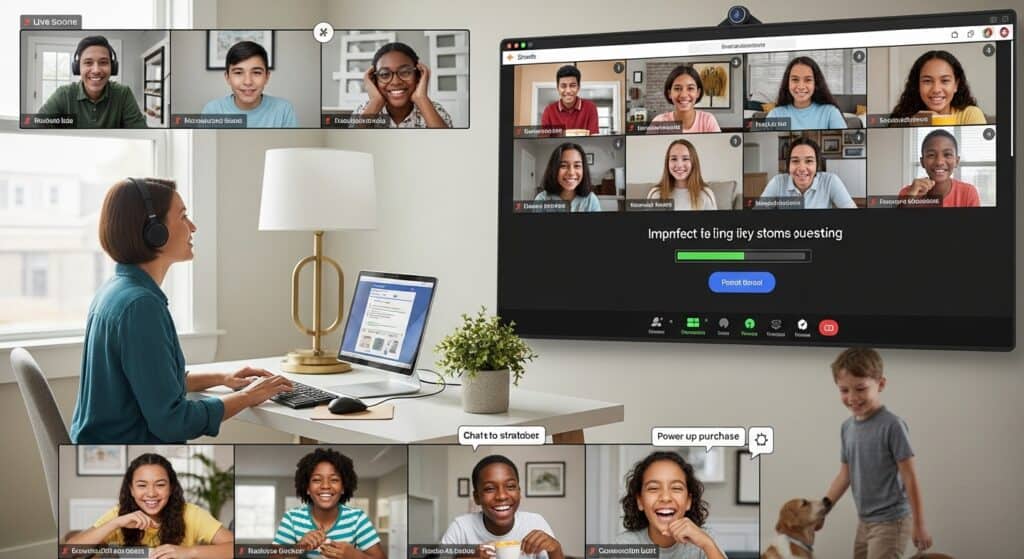
It’s never going to be as electric as in-person. You’ll have black screens. You’ll have kids eating cereal on camera. Someone’s dog will bark the entire time.
But it’s still the single best engagement tool I’ve found for remote teaching.
My online students beg for Gimkit the same way my in-person kids do. They message me on weekends asking if I posted the new code yet. They form group chats to strategize power-up purchases.
The technology is never perfect. The connection drops, the microphones cut out, someone’s always “brb mom needs me.”
But when that first question drops and thirty little Zoom boxes light up because they just hit a 15-question streak, you remember why you do this job.
Run shorter games. Force guest join. Share your leaderboard. Celebrate like crazy.
Do those four things, and your online students will show up, even when everything else about remote learning feels broken.
I know. I’ve lived it.