
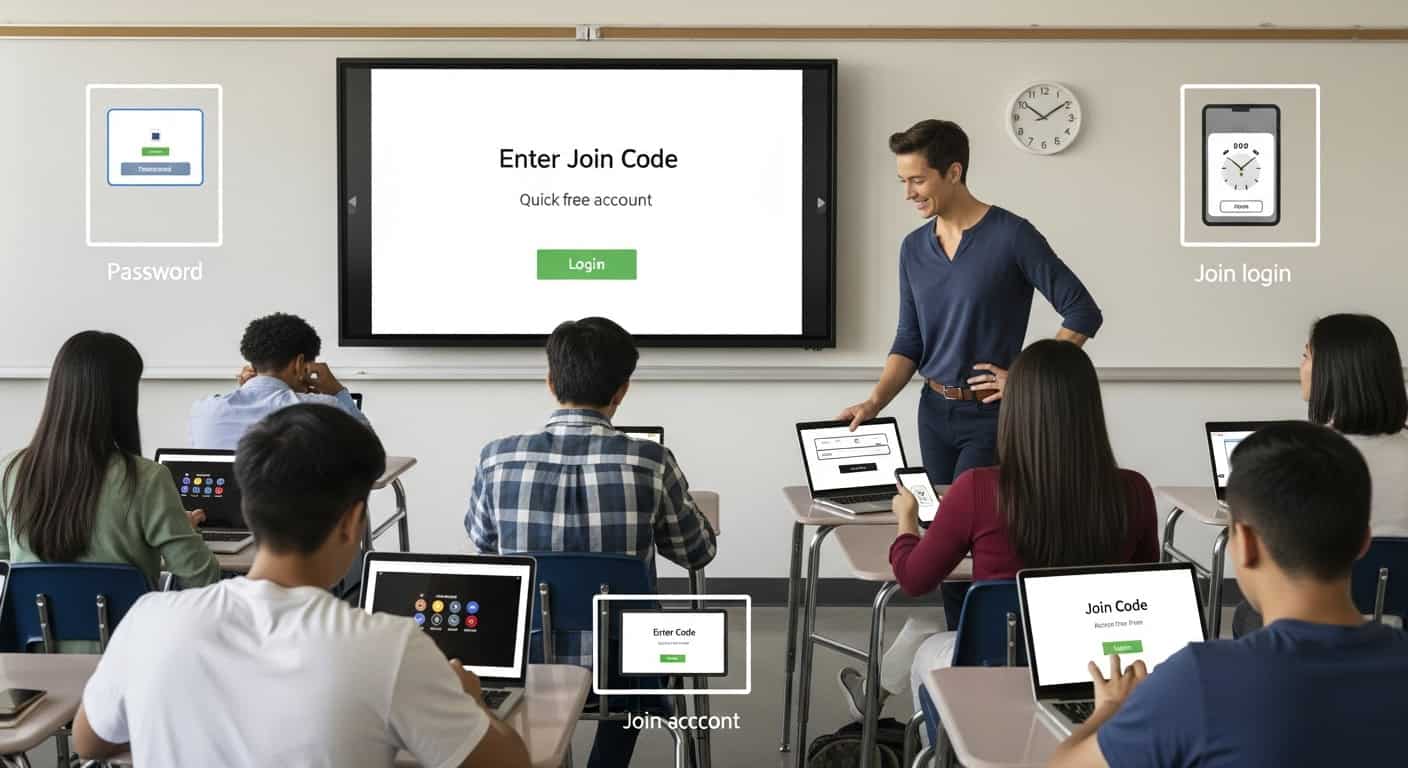
I’ve had students log into Gimkit with their school Google accounts, with personal emails, with their mom’s email, with the classic “I forgot my password” panic at 8:12 a.m. when the bell already rang. I’ve watched entire classes sit frozen while one kid tries to remember if his password was “soccer123” or “soccer124” since 7th grade.
Then one day I realized: nobody actually needs an account to play a live game.
That single discovery shaved about eight minutes off every single Gimkit session and saved my sanity on the days when half the class had suspended Chromebook accounts because they downloaded Minecraft on a school device.
Here’s exactly how it works and how to make it painless every single time.
The Magic URL: gimkit.com/join
That’s it. That’s the whole thing.
Students do not need to log in, do not need to create an account, and do not need to remember anything except how to type six letters.
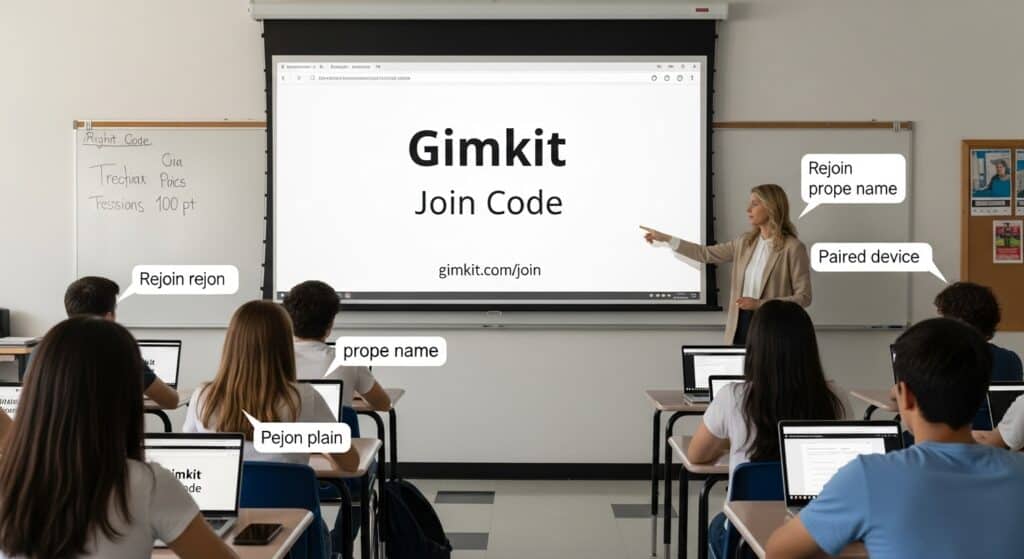
When you start a live game as the teacher, Gimkit automatically generates a join code (six random letters like “APPLE7” or “BRAVO9”). You show that code on your screen along with the QR code, and students just:
- Open any browser (Chromebook, phone, tablet, even a friend’s laptop)
- Type gimkit.com/join
- Enter the six-letter code.
- Type their first name (or nickname, or “BigDawg42” – whatever)
- Click Join
They’re in. No email. No password. No “please check your spam folder for the verification link.”
Why Guest Join Is Still the Best Option in 2025
Even though Gimkit added full Google SSO and Clever integration years ago, guest mode is still faster 90% of the time for live games. Here’s why:
- No forgotten passwords
- No, “my Google account is locked because I changed my phone number.”
- No waiting for the district to push a new roster update
- Phones work instantly (and half your kids will be on their phones anyway if Chromebooks are dead)
- You can see exactly who’s in the waiting room because their name appears the second they join.
I’ve had days where the school internet was crawling, but cellular data worked fine. Kids just pulled out their phones, joined as guests, and we rolled. Try doing that with Google SSO when the network is choking.
The One Downside (And How I Fix It)
Guest players don’t save their data long-term. Once the game ends, their history disappears. That means:
- They can’t go back and review questions later.
- Their stats don’t carry over to future games.
- You can’t track individual progress across multiple sessions.
For live games that are pure review or reward? I don’t care. The engagement is worth the trade-off.
For actual assessment or long-term progress tracking? I force Google login and accept the extra two minutes of chaos at the start.
How to Make Guests Join Foolproof (The Script I Use Every Single Time)
I literally say the same thing every time I run a game now:
“Alright, pull out any device. Doesn’t have to be your Chromebook. Go to gimkit.com/join – yes, that’s the actual website, not gimkit.com, not gimkit play, gimkit dot com slash join. Type the code on the screen exactly as you see it. Then type your first name only. If you put your whole name, I’ll know it’s you, and I’ll kick you. Ready? Code is…”
Then I count down from ten while they join. By the time I hit zero, I have 28-32 names on the waiting screen. I scan quickly for duplicates or jokes, kick the offenders, and we start.
Total time from “pull out devices” to first question: usually under two minutes.
When Guest Join Saves the Day (Real Stories)
- The Great Chromebook Meltdown of 2023
Our district pushed a bad update that bricked half the 9th-grade Chromebooks. I had twenty-three kids with dead screens. Ten minutes later, we were playing Trust No One on our phones. Administration walked in, saw thirty kids fully engaged on personal devices, and just… walked away. Victory. - The Substitute Who Didn’t Know Passwords
I was out sick. Left sub plans with a Gimkit code. Sub had no idea how to make kids log in with school accounts. Kids just joined as guests on their phones. Sub texted me, “This is the quietest class I’ve ever had.” The game did the managing for him. - The Kid Who Moved From Another State
New student, day one, no district account yet. Everyone else is logged in with Google. He just typed gimkit.com/join on his phone and was playing before the others finished loading their dashboards.
Pro Tips From Someone Who’s Done This Thousands of Times
- Put gimkit.com/join on a permanent slide in your presentation deck. Never have to write it on the board again.
- Make the join code huge on your screen. Change your projector settings so the text is at least 100 pt.
- Tell them “first name only” at least three times. You’ll still get “xX_SniperWolf_Xx” but fewer than if you don’t say it.
- If someone’s name is clearly inappropriate, just kick them and say, “Rejoin with your real name, you know who you are.” Works every time.
- Have a backup plan for kids with no device and no battery (there’s always one). Pair them with someone who has a working screen.
The Bottom Line
Guest join is the reason Gimkit still works flawlessly in schools that have terrible Wi-Fi, ancient Chromebooks, and students who treat passwords like abstract concepts.
The fancy login features are great when everything works perfectly. But in the real world, where half the class is on 11% battery, and someone definitely changed their Google password to their girlfriend’s birthday and forgot it, guest join is the difference between a game that happens and a game that dies in the login screen.
I haven’t made a single student create an account for a live game in three years.
And my classes still hit 94% accuracy on review days, still beg for one more round, and still learn more in 25 minutes than they used to in a week of worksheets.
That’s not marketing. That’s what happens when you remove every barrier between a kid and the content.
gimkit.com/join
Six letters
First name
Go.
Try it tomorrow. You’ll never go back to mandatory logins again.